Posts

Showing posts with the label project

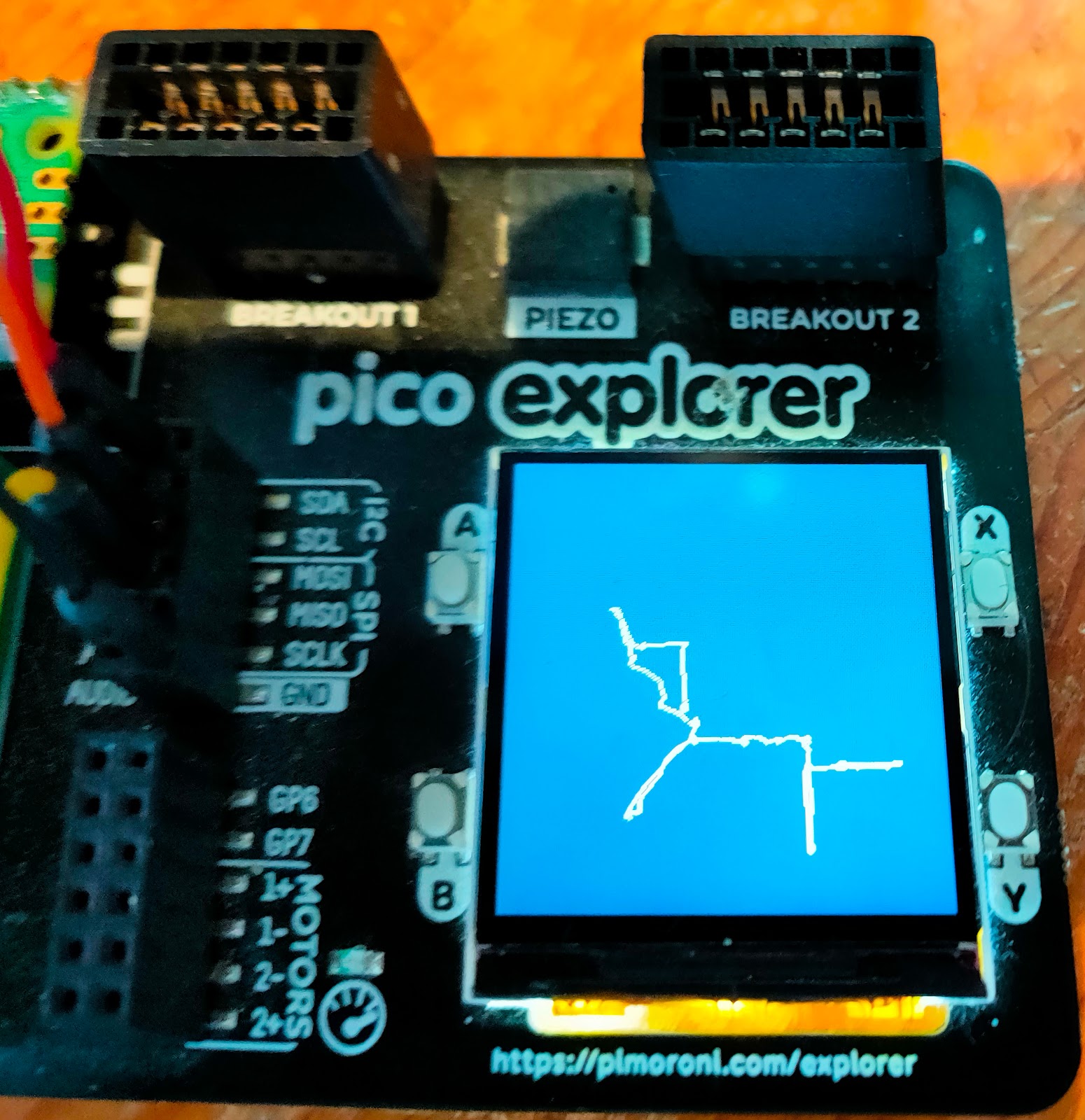
Draw pictures on your Pico!
Image
Would you like to draw pictures on your Pico?  A while ago I experimented with sketcher - a program for the Rasperry Pi Pico that connected to a Raspberry Pi. The Pico had two potentiometers that you could use to move a virtual pen in the Pi; the Pi ran the turtle graphics package which it used to draw the pictures. The project was fun, and I wondered how easy it would be to run a similar program that would use a display with the Pico. That potential project sat in my pending tray for ages, but I recently got an incentive to re-visit it. A new resource Pimoroni have asked me to write a booklet for their Pico Explorer Base . I've been a fan of the product since it first came out, and I'm really enjoying a chance to revisit its awesome capabilities. I decided I'd write a simple sketcher program that ran on the Pico. It uses two potentiometers to move a virtual pen up/down and left/right. The pen draws on the Explorer base display. I've now got a simple version running, a...

Raspberry Pi Pico W project plans

Image
Please help me choose! The announcement of the Raspberry Pi Pico W has opened up a huge range of fun, exciting projects. Pico W in the cloud I've a long list of candidates, and I'm hoping for advice about which ones have the widest appeal. The first project is a shoo-in, not least because it's almost finished. I'll tell you about that shortly. I have seven other projects pulling for my attention, and I'll give you a quick introduction to each. Then I hope you can help me chose which to do next, or even suggest an alternative. I'll open up polls on Twitter and Facebook, but I'd also welcome feedback on this blog. Project number One If you're a regular reader of the RAREblog you will already be familiar with Lazydoro, my automated Pomodoro timer. The current version is now running well, but it's based on a Raspberry Pi Zero. I'm migrating the project to the Pico W for two reasons: I want to keep a daily log of my Pomodoros,...

Pi Pico emulating an Etch-a-sketch

Image
  One Christmas, long, long ago, someone gave me an Etch-a-sketch . I was a bit of a klutz then (indeed, I still am). I never produced great works of art, but the Etch-a-sketch was a lot of fun to play with. Yesterday I wondered how easy it would be to emulate an Etch-a-sketch using the Raspberry Pi Pico. Using PySerial to link Pi and Pico I’d just finished yesterday’s article about how to link a host to the Pico using PySerial. Why not get the Pico to print out how far two potentiometer knobs were turned,  read the output on the Pi using PySerial,  and use the Turtle package on the Pi to create the display? It sounded too simple to work, so I started coding with some trepidation. The first job was to connect a couple of potentiometers to the analogue inputs of the Pico. After that I wrote a short MicroPython program which read the analogue values and printed them out. Here it is: import machine import utime pot_l = machine.ADC( 27 ) pot_r = machine.A...